Cornerstore is the shop inside the Gerald app that sells household essentials. You must make a Buy Now, Pay Later purchase there, or pay for a Cranberry phone plan, before Gerald will transfer any cash. The purchase comes out of your approved advance, and Finder reports that sales are final.
What it is
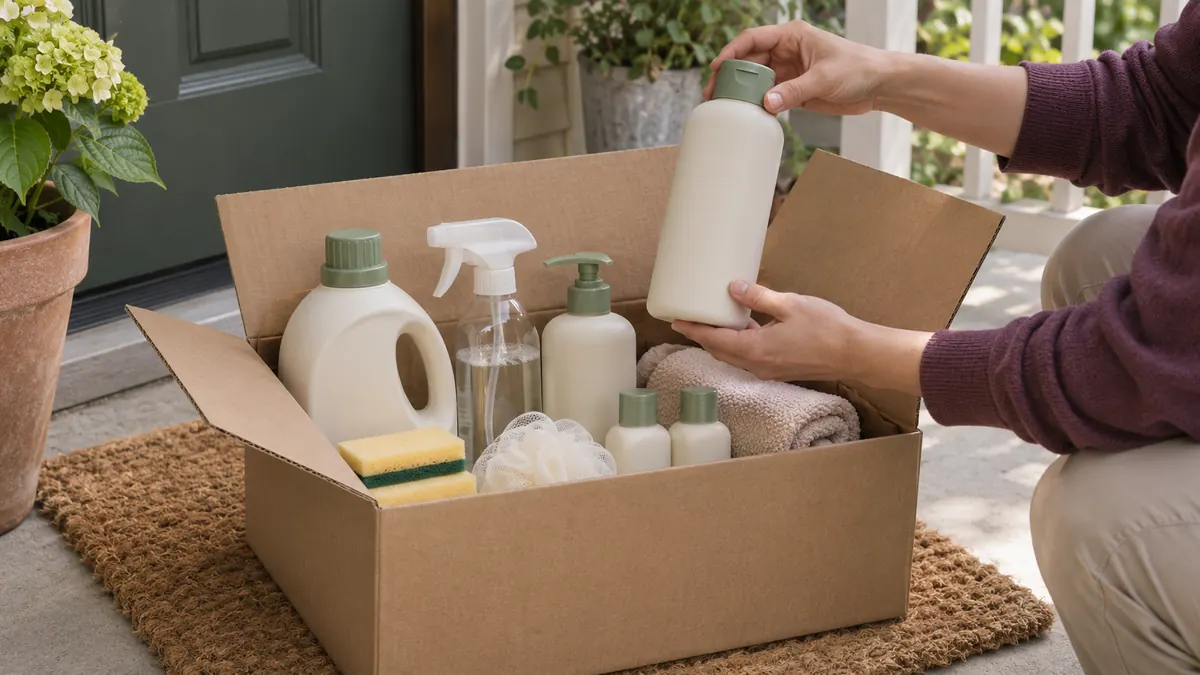
Cornerstore sells household essentials such as cleaning supplies and personal care items. You pay with your approved advance on a Buy Now, Pay Later basis and repay on payday. Gerald also counts a payment toward Cranberry, its prepaid phone plan, as a qualifying purchase.
Three things to check before you buy
- Price and shipping. Complaints summarized by Finder mention prices and shipping charges above what people expected. Compare the cart total with what you would pay at a store near you.
- No returns. Finder reports that Cornerstore sales are final.
- How much cash is left. The app shows the remaining transferable balance after your purchase. Look at it before you confirm.
The Cranberry option
LendEDU describes Cranberry as a prepaid eSIM plan that starts at $10 a month with unlimited talk and text, runs on the T-Mobile and AT&T networks, and has no contract or credit check. If you need a phone plan anyway, this can be the least wasteful way to meet the purchase requirement.
Is the purchase a hidden fee?
Not in the usual sense: you receive goods for the money. It becomes a cost when you buy things you did not need, or pay more than you would elsewhere, in order to reach the cash. That difference is the real price of a Gerald advance for you.
How to make the purchase work for you
- List what you were going to buy this week anyway.
- Find the closest matches in Cornerstore and note the total with shipping.
- Compare that with your usual store. A small premium may still beat another app's fees.
- Check the remaining transferable balance before you confirm.
Cornerstore or Cranberry?
| Cornerstore goods | Cranberry plan | |
|---|---|---|
| What you get | Household and personal care items, shipped | Prepaid eSIM phone service |
| Good if | You need supplies soon | You need or want a cheaper phone plan |
| Watch for | Prices, shipping, no returns | Whether your phone supports eSIM |
More on the phone plan: Cranberry Mobile explained. More on the financing side: Gerald Buy Now, Pay Later.
Common questions
Can I skip the Cornerstore purchase?
No. A qualifying Cornerstore or Cranberry purchase is required before Gerald allows a cash transfer.
Can I return Cornerstore items?
Finder reports that Cornerstore sales are final with no return policy. Check the app for current terms before buying.
What percentage of my advance must I spend?
Gerald does not publish a fixed percentage. In two examples published by LendEDU, about 70% of the advance went to the store purchase.
Is Cornerstore the same as Gerald?
Yes. Cornerstore is the in-app shop operated by Gerald. Purchases there are how Gerald earns revenue.
Keep reading
Sources
- Finder review of the Gerald cash advance app (May 2025)
- LendEDU review of Gerald Wallet (updated September 2026)
- Gerald official website
Checked November 20, 2026. Terms change; confirm with the provider before you act.